Systems
ERP, CRM and automation that take the business off spreadsheets
Invoices, stock, payroll and sales sit in one place, and nobody re-types orders between them. Before we install anything, we map how you work today and agree the plan with you.
- Sales and invoicing
- Stock and warehouse
- Purchasing
- Accounts
- Payroll and HR
- Projects and service
One shared record. Customers, items and accounts are typed once and used everywhere.
Monday report: sales, cash, stock and payroll on one page, without a spreadsheet.
Services
Where are your staff still typing the same thing twice?
- ERP Solution
ERPNext or Zoho, live first on invoicing, inventory and payroll, with NRS e-invoicing connected where it applies.
- AI automation & WhatsApp assistant
Routine work automated inside the software your staff already use, and a WhatsApp Business assistant that answers, takes orders and hands over to a person.
- CRM setup
Zoho, HubSpot or a custom CRM, connected to your website, WhatsApp and ERP.
- Data analytics
SQL, Python and BigQuery analysis of your raw data, with dashboards your managers read.
- IT policies and documentation
A free IT policy readiness review, then the IT policies your regulator and auditor expect.
Our work
Systems we set up and still run.
Real work for real clients. Each one opens the full case in Our Work.
 Education, ERPA media academy’s courses, admissions and fees on one ERPNext system.See the project
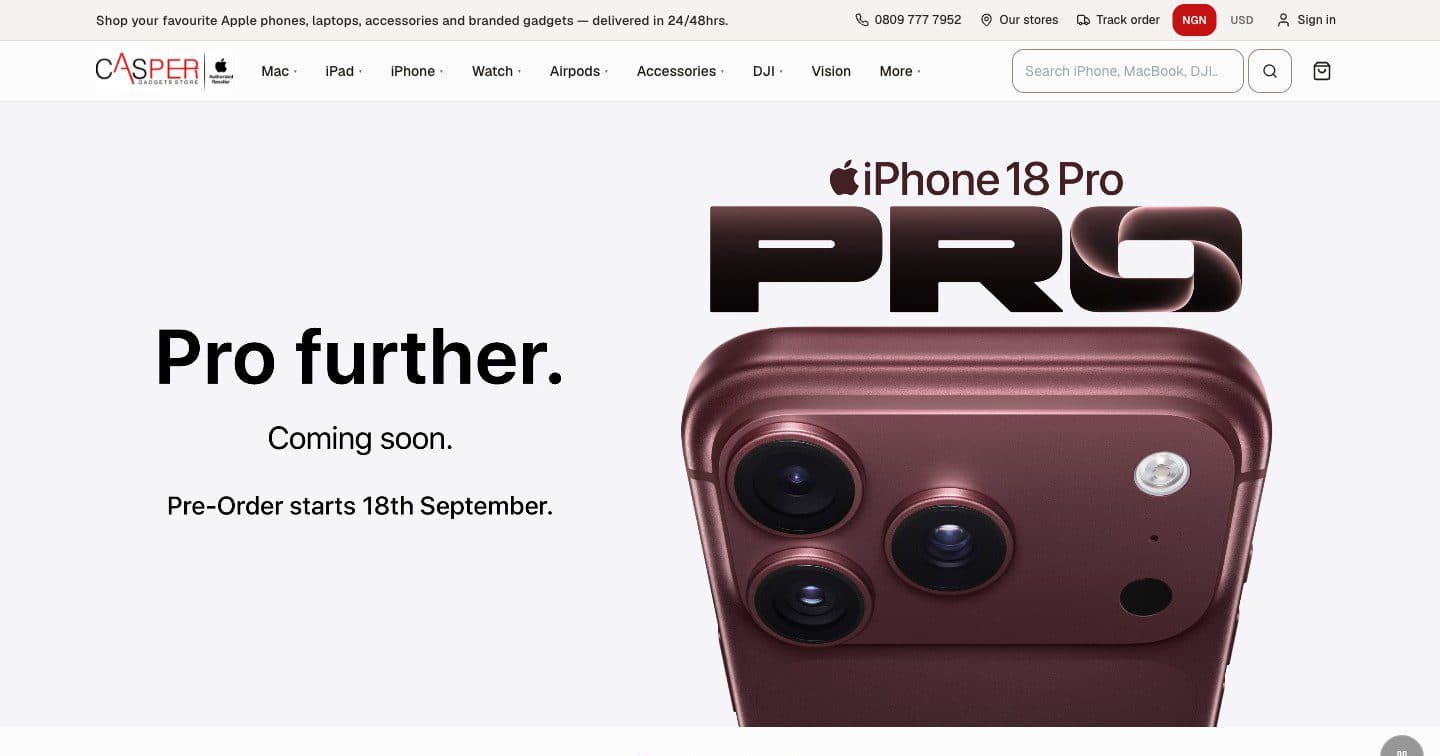 Retail, orders and stockStock, orders and payments in one system for a five-store retailer, with a staff portal and stock that never oversells.See the project
 Association, membershipMembership, dues and donations online for an association of lawyers, with a members’ newsletter.See the project
 Capital market, live dataA stockbroker’s site connected to the SEC vendor platform, pulling live stock exchange data.See the project
- See all our workClient names, screenshots and what we did, in Our Work.
The same week, before and after
What changes for the people doing the work, task by task.
| Task | On spreadsheets and WhatsApp | On an ERP |
|---|---|---|
| Sending an invoice | Typed into a template, numbered by hand, sent from a phone | Raised from the sales order, numbered and sent from the system |
| Knowing stock levels | Someone counts, then updates a sheet that may already be stale | Stock moves with every sale, purchase and transfer |
| Running payroll | A sheet rebuilt each month for the new PAYE bands | Payroll set up once on the current bands, with payslips |
| Approving a purchase | A WhatsApp message that gets buried | An approval step with a record of who approved what |
| Month-end report | Days of copying between sheets | Run from the data your staff already entered |
Signs the business has outgrown its tools
Most firms we speak to already have plenty of software. What they lack is one place where the numbers agree.
Month-end takes a week
Sales sit in one spreadsheet, payments in a bank export and stock in another file. Someone reconciles them by hand before anyone can say what the month made.
Approvals live in WhatsApp
Purchase requests, discounts and payments are approved in chat. Nobody can find who approved what, or why, three months later.
Stock counts and the books disagree
The warehouse count, the sales record and the accountant each hold a different number, and nobody trusts any of them.
Leads go cold between people
Enquiries arrive by website form, phone and WhatsApp, and there is no shared list of who was contacted, when, and what was promised.
How a systems project runs
The same order whether you start with an ERP, a CRM or one automation.
Scoping sprint
One to two weeks with your finance, sales and operations leads. We map the process as it really runs, agree the modules for the first phase and give you a fixed price.
Design the structure
We agree your chart of accounts, item and warehouse codes, approval limits and user roles first. Getting these right early is cheaper than fixing them after go-live.
Clean migration
We clean and load opening balances, customers, suppliers, items and staff. You check the figures and sign them off before we retire the old files.
Go live on two or three modules
Invoicing, inventory and payroll go first. We run them alongside the old process for a short period, then switch over.
Adoption and support
We train each role on its own daily tasks. We stay on support, review the reports with you, and add the next modules when the first ones are in daily use.
Work you can look at
Client names and full write-ups are in Our Work.
- ERPNext for a training academy
Courses, admissions and fees in one system: 33 chapters, 57 course PDFs and 174 prospects moved across, with enrolment triggered by payment.
- Where should you start with ERP?
A 60-second check: Scoping Sprint or a direct quote, ERPNext or Zoho, and when e-invoicing applies.
- What an ERP costs in Nigeria
Our buyer guide to licence, implementation and running costs.
How we protect your systems and data
Your ERP and CRM hold your most sensitive records. The Trust Center sets out where that data lives, who can reach it and the standards we build to, for your procurement or audit team.
Questions buyers ask about business systems
ERPNext or Zoho: which do you recommend?
For most firms we start with ERPNext. It has no per-user licence and strong stock and manufacturing features, and you choose where the data is hosted. Zoho suits sales- and service-led businesses that want a subscription suite and a quick setup, and we are an Authorised Zoho Partner. The scoping sprint ends with our recommendation and the running cost of each option.
Do we have to replace everything at once?
No. We go live on two or three modules first, usually invoicing, inventory and payroll, and add the rest once your staff use them daily. Going in phases keeps the risk and cost of each step small.
What does an ERP project cost?
It depends on the modules, the number of users and how clean your data is. We give you a price after the scoping sprint, and most of the sprint fee is credited to the project if you go ahead.
Do we need e-invoicing now?
It depends on your turnover, your tax position and the software you use. The NRS rollout is phased by turnover. If it applies to you, we connect your ERP to an accredited access point provider as an add-on. If it doesn’t apply yet, we’ll tell you.
Start with a scoping call
Tell us how the business runs today and where it hurts. On a free 30-minute call we’ll tell you whether an ERP, a CRM or one automation is the right first step, and what the scoping sprint would cover.
Monday to Friday, 9am to 6pm. We reply within one business day.